Photographing Handmade Jewelry for Online Listings With Simple Gear
Photographing handmade jewelry for online listings presents unique challenges that can make or break a sale. Tiny beads, metallic surfaces, and delicate gemstones reflect light in unpredictable ways, creating harsh glare or losing fine texture. Their small scale makes it difficult to capture crisp detail without a macro lens, while certain materials shift color under artificial bulbs, leaving buyers disappointed when the piece arrives.
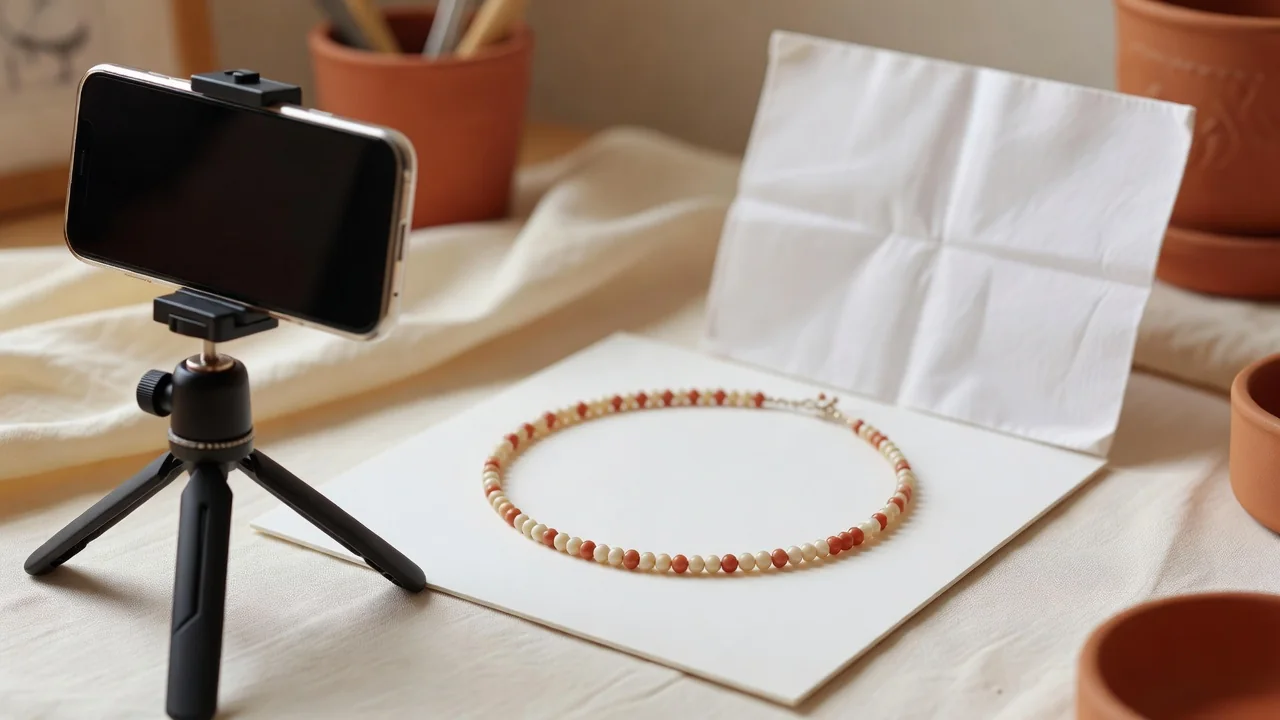
Window light diffused through a white curtain or a sheet of tracing paper remains the most reliable solution in 2026 for most home-based sellers. It delivers soft, even illumination without the hotspots that direct flash produces on polished silver or gold. Position your worktable perpendicular to a north-facing window and use a simple white foam board as a reflector on the opposite side to fill in shadows.
Choosing backgrounds that work across your entire shop
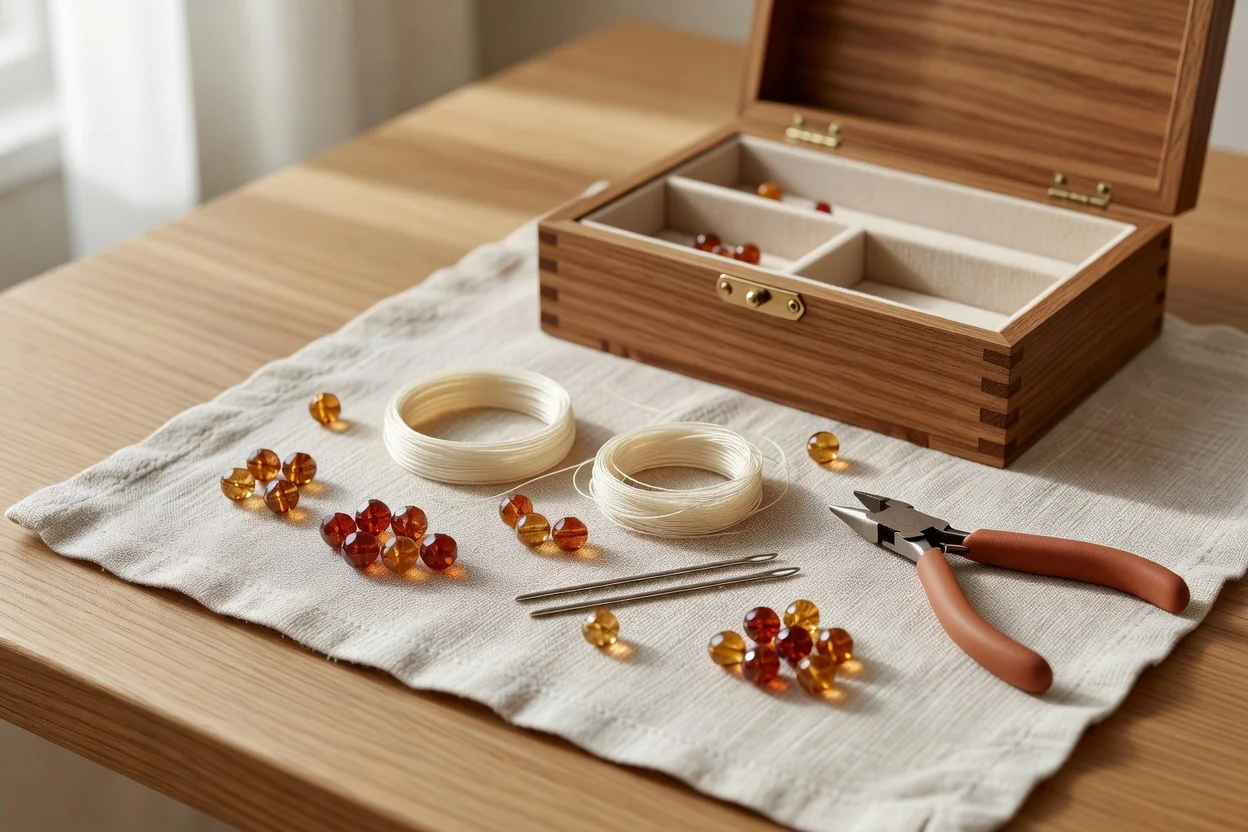
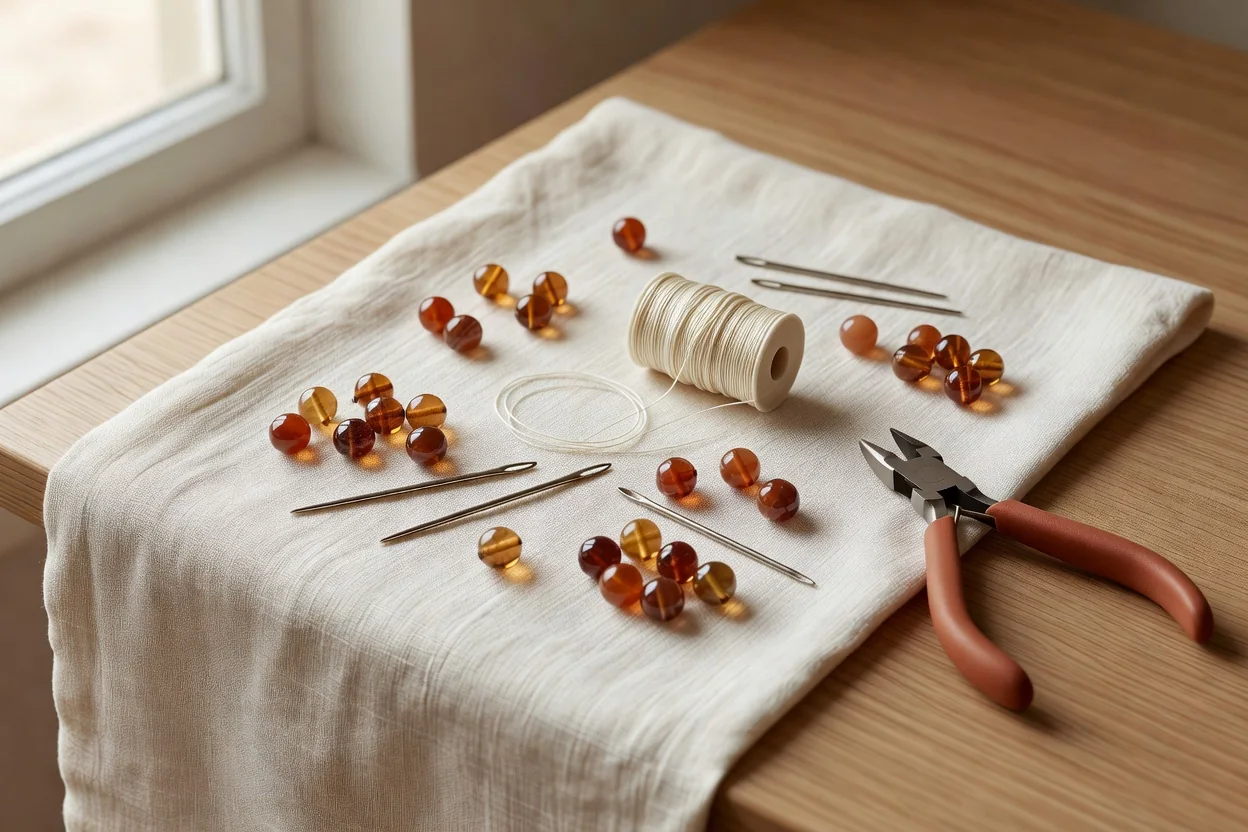
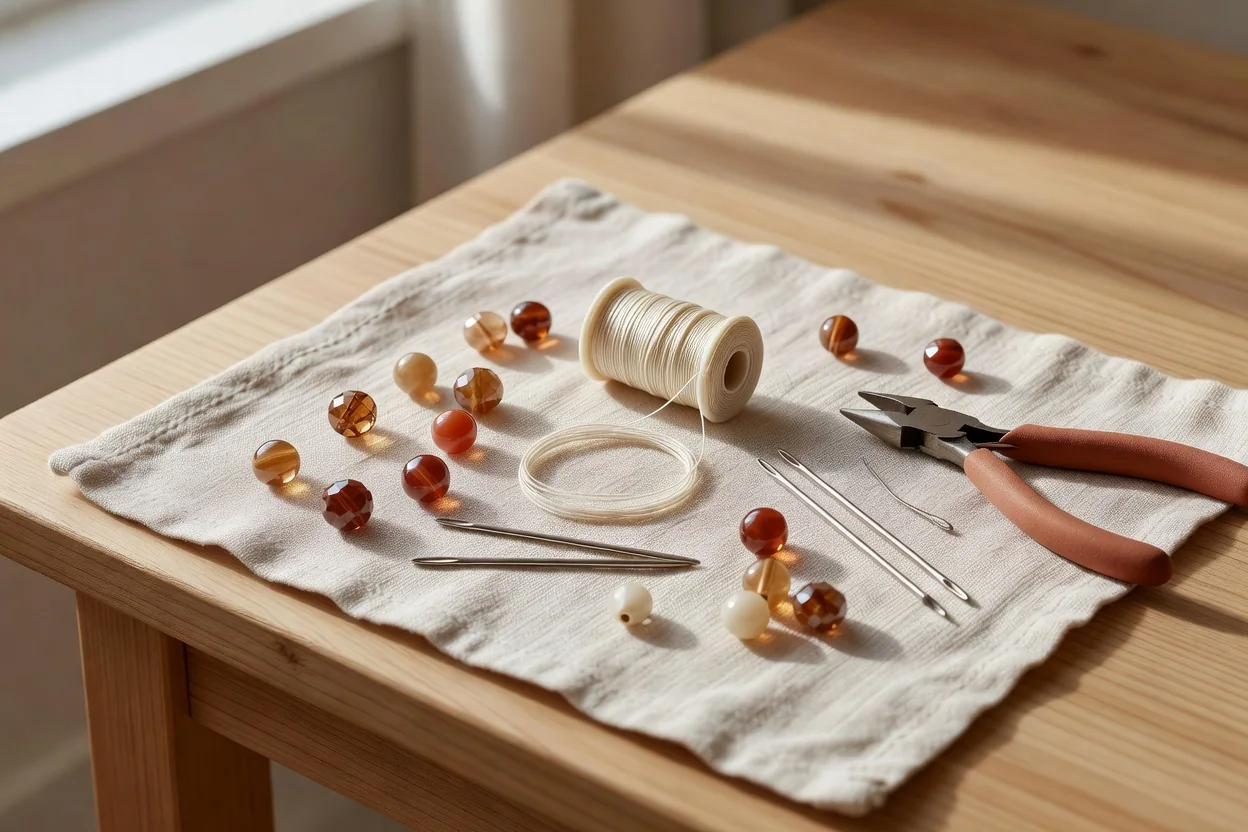
Consistency builds trust. A plain white background suits most pieces and photographs cleanly on any marketplace platform, yet it can feel clinical. Neutral linen or unbleached cotton adds warmth without competing with the jewelry. Light oak or maple wood provides gentle texture that suggests craftsmanship. Choose one surface and stick with it for every listing so your shop feels cohesive when buyers browse multiple items.
Holding focus and showing honest scale
Smartphone cameras in 2026 have improved macro modes, but depth of field remains shallow at close range. Prop the piece on a small stand or use a stack of books to raise it slightly, then tap to focus on the most important detail. Take several frames while slowly moving the phone until the sweet spot appears. Include a simple scale reference—an American quarter, a standard ruler, or a hand with fingers visible but face cropped out—when the piece is unusually small or large. On-body shots showing how a necklace sits at the collarbone or earrings frame the jawline help buyers visualize wear without revealing identity.
Every listing should contain a minimum set of images that answer buyer questions before they ask. Front, back, clasp close-up, detail of any unique element, and scale reference together create confidence. Basic editing keeps colors true: adjust exposure and white balance lightly, but avoid heavy saturation boosts that turn lapis into electric blue or amber into orange plastic. Slight cropping and dust removal are acceptable; dramatic filters are not.
| Shot Type | What It Proves to the Buyer |
|---|---|
| Front view, centered and square | Overall design and color accuracy under neutral light |
| Detail macro of focal element | Quality of craftsmanship, stone setting, or bead finish |
| Clasp or closure close-up | Durability, ease of use, and metal type |
| Back or reverse side | Neatness of construction and any maker’s mark |
| Scale reference with coin or ruler | Actual dimensions so size surprises are avoided |
| On-body or styled shot (face cropped) | How the piece drapes or moves when worn |
Keeping edits minimal and colors honest
Modern phone editing apps offer tempting sliders, yet over-adjustment misleads. Limit changes to straightening the horizon, reducing minor shadows, and matching white balance across a set. Export at the platform’s recommended resolution—usually around 2000 pixels on the longest side—so details remain sharp when zoomed. Consistent lighting and editing across fifty listings create a professional shop appearance without expensive gear.
Simple gear, repeatable techniques, and honest representation turn good jewelry into listings that sell. A north window, two foam boards, a phone tripod, and one chosen background surface are often enough to produce images that accurately represent the care and skill behind each handmade piece.
- Shoot during the brightest part of the day for the cleanest window light
- Keep the camera parallel to the jewelry to avoid perspective distortion
- Take more frames than you need; three similar angles help later selection
- Save unedited originals in a dated folder for future reference